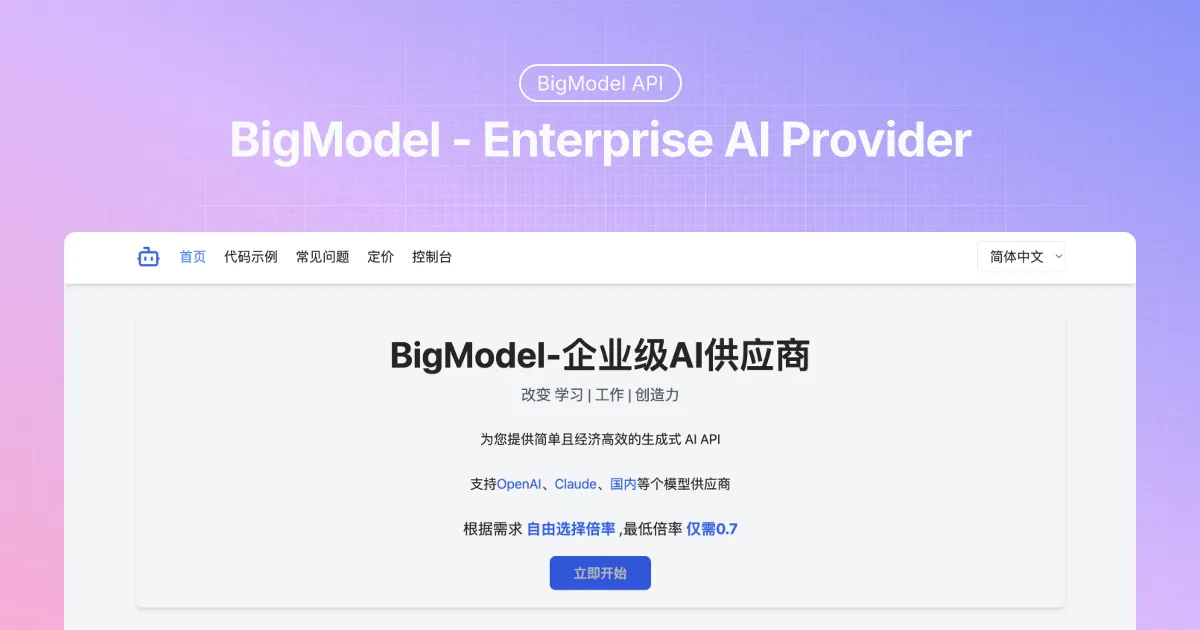
BigModel API Key: How to Create, Configure, and Protect It
A BigModel API key is the credential your application uses to call the BigModel API. It looks small, but it carries real authority: anyone who obtains it may be able to send requests under your account. Treat it like a password with a billing connection, not like an ordinary configuration value.
This guide walks through the practical parts: creating a key in the dashboard, loading it through environment variables, making a small server-side test, separating keys by environment, rotating a key without an outage, and reacting when a secret escapes. The exact labels in a console can change, so use the current BigModel dashboard and API documentation for the final click path.
What a BigModel API key does
BigModel uses an API key to authenticate requests to its API gateway. In an OpenAI-compatible request, the key is normally sent as a Bearer token in the Authorization header. The key identifies the account or project that the request belongs to, so it can affect access, usage records, and charges.
That is why a key should stay on systems you control. A browser, mobile app, public JavaScript bundle, screenshot, pasted terminal output, and Git repository are all poor places for a live production key. If a front-end needs AI functionality, route the request through your own backend and keep the secret there.
Create a BigModel API key
- Sign in to your BigModel account and open the dashboard or developer console.
- Find the section for API keys, tokens, credentials, or developer access.
- Create a new key. Give it a name that explains where it will run, such as
website-production,staging-api, orlocal-development. - Copy the value and place it directly in your secret manager or local environment file. Some dashboards reveal the complete secret only at creation time, so do not assume you can retrieve it later.
- Record the key name, owner, environment, and creation date in the team’s access register. Do not record the secret itself in that register.
Use a different key for local development and production. This makes it easier to revoke a development credential without interrupting users, and it gives your logs a clearer trail when something goes wrong.
Store the key in an environment variable
Environment variables keep secrets out of source code and make it possible to supply a different key to each environment. For a temporary shell session, export the key before starting the app:
export BIGMODEL_API_KEY="replace-with-your-real-secret"
node server.js
For local development, a .env file is often convenient:
BIGMODEL_API_KEY=replace-with-your-real-secretAdd .env to .gitignore before the first commit. Keep a separate .env.example with the variable name but no value, so teammates know what to configure:
# .env.example
BIGMODEL_API_KEY=
In a hosted environment, save the value in the platform’s secret store, CI/CD secret settings, or a dedicated secret manager. Do not use a regular repository variable, a shared document, or a chat message as a long-term secret store.
Load the key only on the server
Your application should read the value at runtime. In Node.js, the pattern is straightforward:
const apiKey = process.env.BIGMODEL_API_KEY;

if (!apiKey) {
throw new Error("BIGMODEL_API_KEY is not configured");
}
In Python, use the process environment in the same way:
import os

api_key = os.environ["BIGMODEL_API_KEY"]
A name beginning with NEXT_PUBLIC_, VITE_, or a similar front-end prefix is a warning sign. Many build tools expose those variables to the browser. A key placed there can be recovered by any visitor from the delivered JavaScript.
Make a minimal authenticated request
Before building a full feature, verify the credential with a small request. BigModel’s API gateway uses the /v1 path for OpenAI-style API access. Requesting the model list is a useful first check because it confirms the key, the gateway address, and the authentication header in one step.
curl https://api.bigmodel.org/v1/models \
-H "Authorization: Bearer $BIGMODEL_API_KEY"
Use a model ID returned by that response when you send a chat request. Do not hard-code a model name from an old tutorial if the account’s current model list says otherwise. Availability can depend on the account, plan, or current service configuration.
For a server-side JavaScript request, keep the key in the header and keep the request handler on the server:
const response = await fetch("https://api.bigmodel.org/v1/chat/completions", {
method: "POST",
headers: {
"Content-Type": "application/json",
Authorization: `Bearer ${process.env.BIGMODEL_API_KEY}`,
},
body: JSON.stringify({
model: "MODEL_ID_FROM_V1_MODELS",
messages: [{ role: "user", content: "Hello" }],
}),
});

if (!response.ok) {
throw new Error(`BigModel request failed: ${response.status}`);
}
Do not log the authorization header, the environment object, or a complete request configuration. Error reporting tools can capture those fields and turn a small debugging shortcut into a persistent secret leak.
Use clear ownership and the smallest practical scope
Create credentials around real boundaries. A personal key used by every production service is difficult to audit and painful to rotate. Better names make incident response much faster: prod-web-api, worker-summarization, and staging-evaluation tell you what needs attention.
If the current dashboard offers project, workspace, model, IP, or permission restrictions, use only the restrictions your service needs. Test them in staging first. A restrictive rule that is not documented in deployment notes can be as disruptive as an expired key.
Keep a short inventory with the key label, environment, owning team, intended workload, and rotation date. The inventory should point to the secret manager entry, not contain the secret. If nobody can identify a key’s owner, it is a candidate for review or retirement.
Protect keys in repositories, CI, and logs
Most accidental exposures are ordinary workflow mistakes: a .env file committed during a rushed fix, a CI command that prints variables, a support screenshot, or a copied curl command with the key still in it. Small habits prevent most of them.
- Ignore
.env, local credential files, and generated configuration files in Git. - Use CI/CD secrets and pass them into the job as masked environment variables.
- Redact tokens before sharing logs. Show a short fingerprint or the last four characters only when that is enough to identify a key.
- Review pull requests for pasted credentials, including documentation and test fixtures.
- Do not send a production key to a contractor or third-party integration when a dedicated, limited credential can be used instead.
A safe logging helper removes the sensitive header before output:
function safeHeaders(headers) {
const copy = { ...headers };
if (copy.Authorization) copy.Authorization = "Bearer [redacted]";
return copy;
}
Rotate a BigModel API key without downtime
Rotation means replacing a credential on a planned schedule or after a risk event. Avoid deleting the old key first. Create the replacement, deploy it, verify that production traffic uses it, and only then revoke the previous key. This overlap gives you a recovery path if a deployment misses an environment.
- Create a new key with a label that includes the environment and rotation date.
- Store it in the relevant secret manager or deployment settings.
- Deploy the changed secret to one environment at a time, starting with staging where possible.
- Run a small authenticated request and check application health and usage records.
- Confirm the new key is handling traffic.
- Revoke the old key and remove it from every secret location, local file, CI variable, and handoff note.
Set a rotation cadence that fits the system. A quarterly review may be reasonable for a small application; a higher-risk service may need more frequent rotation or automated secret management. The important part is to make the process repeatable and recorded.
What to do if a key is exposed
Assume a key is compromised if it appears in a public repository, browser bundle, chat transcript, ticket attachment, screenshot, unsecured paste, or third-party log. Deleting the visible copy is not enough. Someone may already have copied it.
- Revoke or disable the exposed key in the BigModel dashboard immediately.
- Create a replacement key and update the application, worker, CI job, and secret manager that used the old one.
- Redeploy and verify a live request with the replacement.
- Review usage, billing, request logs, and account activity for unexpected calls.
- Find the leak path and remove the secret from the repository, build output, ticket, or log. If it reached Git history, remove the history copy where appropriate, but still treat rotation as mandatory.
- Write down the incident, the affected environment, and the corrective action so the same route is less likely to leak another key.
Speed matters more than perfect diagnosis in the first few minutes. Revoke first, restore service with a fresh key, then investigate the path that allowed the old one to escape.
A short production checklist
- The key is stored in a secret manager or protected environment variable.
- The key is read only by server-side code.
- Development, staging, and production use separate credentials.
- Repositories, logs, screenshots, and support tickets do not contain the secret.
- Each key has an owner, a purpose, and a planned review date.
- The team has rehearsed the create, deploy, validate, revoke sequence for rotation.
Once these basics are in place, a BigModel API key becomes routine infrastructure rather than a hidden operational risk. Keep it out of source code, keep it close to the service that needs it, and replace it promptly whenever its exposure is in doubt.